
Two addresses with different purposes
Your account address opens the management page in a browser. A VPN subscription link supplies connection data to a compatible client. They are not interchangeable: the website manages payments and access, while the client establishes the connection.
Get your own link from the active subscription in your account. Do not use links from someone else's instructions or example screenshots: they are not your access details. If documentation shows a sample, find your personal subscription data before importing.
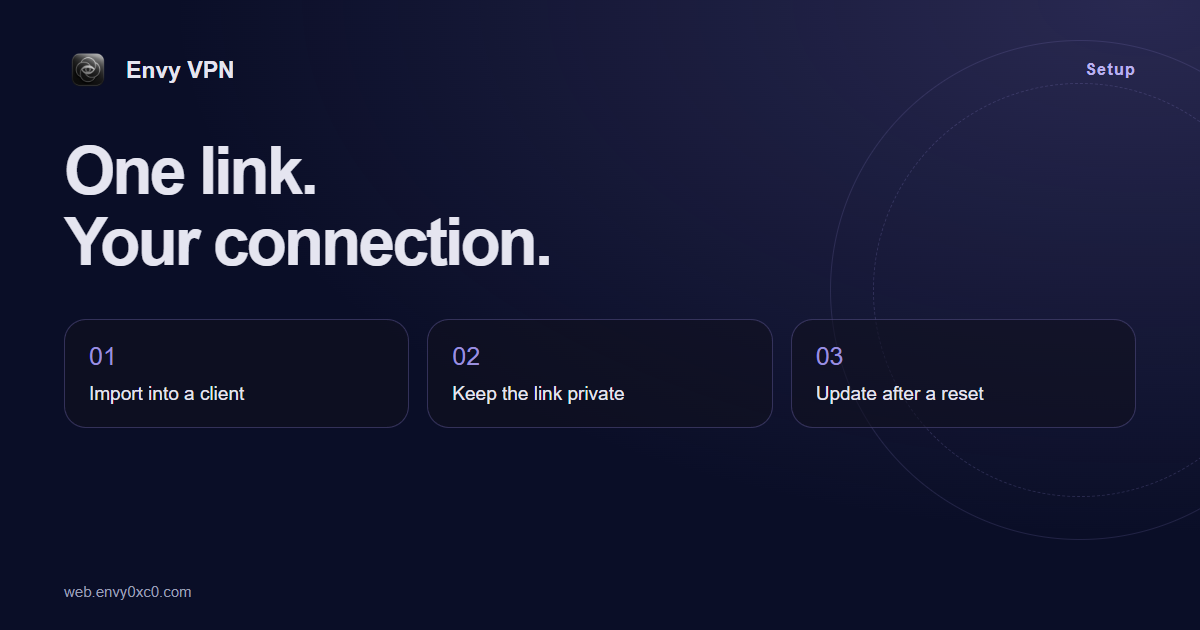
Move the link to your device
Copy the whole link and choose import in a compatible application. Refresh the subscription after adding it. If your account instructions offer a QR code, it can be more convenient than manual transfer, but it also contains connection data and needs the same care.
Use one subscription on your phone, laptop and home computer. Import the link on each device. You can connect up to 10 devices at the same time.
When to refresh in the application
Refresh after access settings change or when the client is using outdated information. Renewal in your account and a client refresh happen in different places. After a successful renewal, check the subscription status and refresh the client if needed.
Do not randomly edit or shorten the link, or send it through public URL-shortening services. If import fails, compare the copied value with your account details and confirm that the client supports it.
If someone else has seen the link
Reset the link in your account. Then replace it on each of your devices and refresh the connection. Remove the old link from notes or pinned messages so you do not accidentally import it again.
Do not post the link in a public support chat. A description, client version and error message are enough to start diagnosis. If account information is needed, use the verified support channel and do not share authorization codes.
Stay in control of your access
Keep the link somewhere that others cannot access. Check screenshots before sending them: the link may appear in a field, message or QR code. When changing devices, transfer the connection and remove an unneeded profile from the old application.
Account sign-in sessions and VPN profiles belong to different parts of the service. Ending a browser session does not replace resetting an exposed subscription link. If you are unsure which action is needed, describe the situation to support.
Your VPN starts with a suitable plan.
See duration, traffic and devices before you buy. Open your account and choose a plan that fits.
Choose a plan