
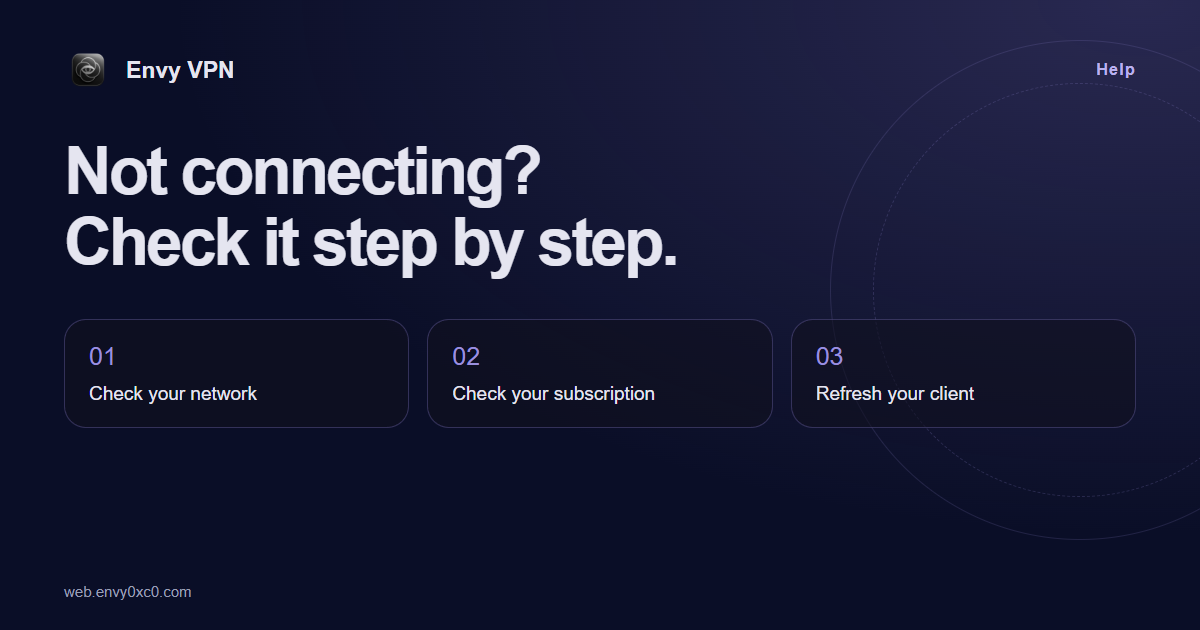
Check the internet without VPN
Disable VPN and try several familiar websites. If those do not load either, start with your normal internet connection: check Wi-Fi or mobile data. Switch networks if possible and repeat the test.
Test the service you need separately from other websites. If only one service fails, that does not mean the whole connection is broken. Note the exact symptom: a long wait, an error message or no internet in any application.
Check your subscription status
Open your Envy VPN account and check the expiry date, traffic usage and device limit. A successful account login does not mean your service subscription is active. If you recently renewed, check the result in your account and payment history first.
If a payment is still pending, do not repeatedly submit new payments. Wait for its result, then contact support with the transaction reference. Do not share your full card number, email password or sign-in codes.
Refresh the client settings
Open the subscription in your connection app and refresh it. If you reset the link in your account, replace the old link with the new one. When copying it manually, make sure no spaces, line breaks or extra characters have been included.
Use a compatible client from your account instructions. A similar application name or the word VPN does not guarantee support for your link format. The import menu depends on the client you choose.
Rule out conflicting settings
If several VPN applications are running, temporarily disable the others and try one client. Record the current settings before changing them. Do not delete all profiles, disable device protection or install unknown certificates just for a test.
Restart the client. If the problem remains, compare Wi-Fi and mobile data on the same device. The result helps support narrow down the cause, although it does not by itself prove where the fault lies.
Prepare a support request
Include your device model, operating system, client name and version, network type, time of the error and its exact wording. Say whether the internet works without VPN and whether another network changes the result. If the interface displayed a request reference, include it.
Hide the subscription link, QR code, email and payment details in screenshots. Support needs the symptoms and test results, not your secrets. Contact Envy VPN support. After the issue is resolved, save the working instructions and return to our connection guide.
Your VPN starts with a suitable plan.
See duration, traffic and devices before you buy. Open your account and choose a plan that fits.
Choose a plan